Should Your Team Hire a 3D Product Animation Studio?
If your product has features that are hard to photograph, sells to a global audience, or needs to look flawless before a single unit exists, 3D product animation is worth the investment.
Should Your Team Hire a 3D Product Animation Studio?
If your product has features that are hard to photograph, sells to a global audience, or needs to look flawless before a single unit exists, 3D product animation is worth the investment. Start by preparing three things: a one-line objective for the film (what should a viewer believe after watching it), your CAD files or high-resolution photos, and one reference film that shows the pace and style you want.
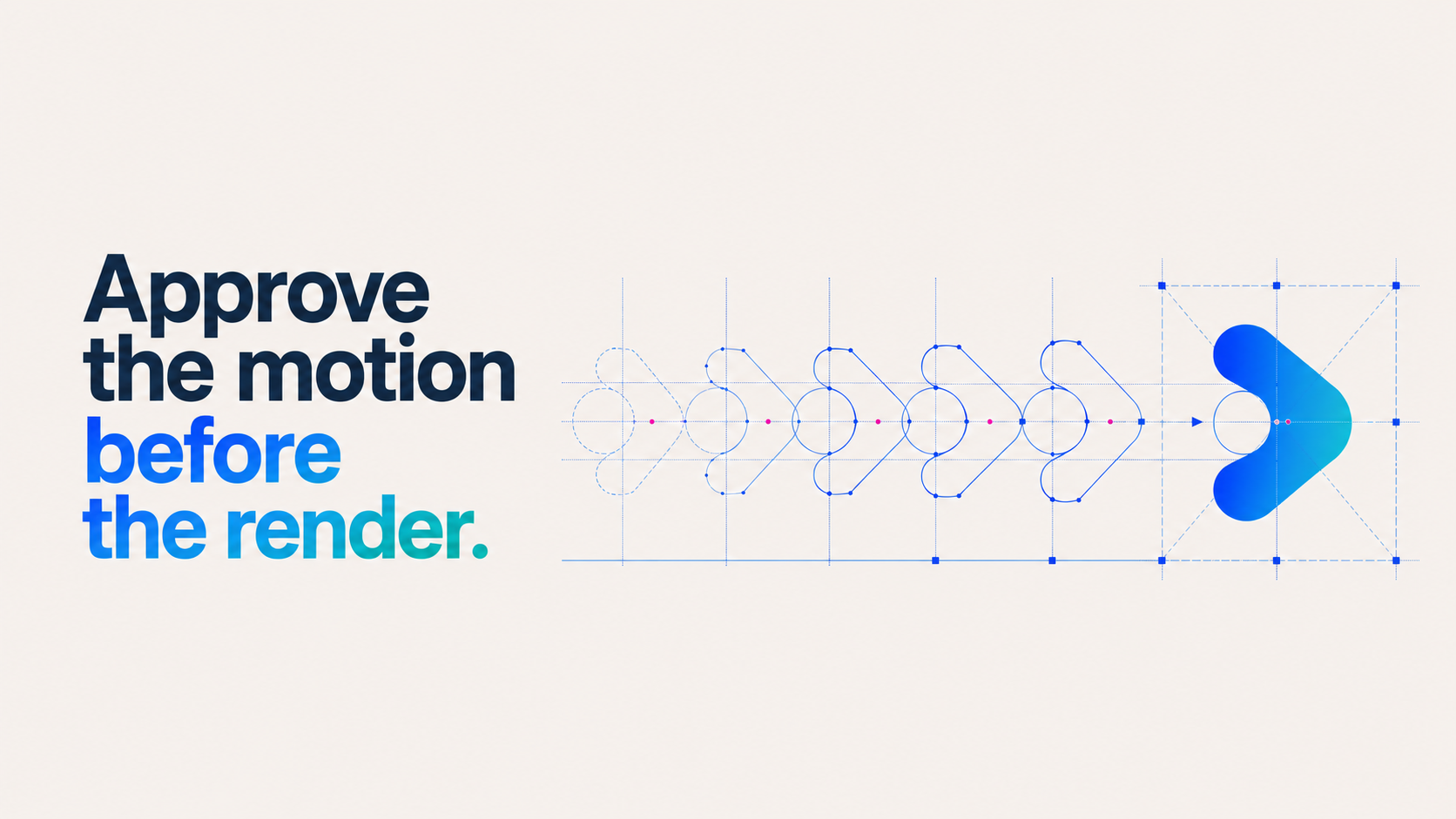
Once you send that package, expect any capable studio to come back with a storyboard or animatic for approval before they render a single frame.
That step protects your budget and your timeline.
- Write a one-sentence objective (e.g., "show the assembly is tool-free in under 15 seconds")
- Attach CAD (STEP, SolidWorks) or, at minimum, clean multi-angle photos
- Include one reference video that nails the tone you want
Key Takeaways
3D product animation works best when the CAD file and reference video arrive before the first written brief, since those two inputs drive both cost and timeline more than any other factor.
When planning a 3D product animation project, five decisions will have the greatest effect on the cost, timeline, and usefulness of the finished assets:
Send CAD first
Native STEP or SolidWorks files can reduce modeling time and cost more than almost any other input.
Match the format to the goal
Use 360-degree spins for e-commerce, exploded views for technical sales, and configurators for product personalization.
Budget for modeling and animation separately
Studios commonly estimate the finished animation by length and complexity while quoting the initial modeling work separately. Plan for approximately two to four weeks for a complete product-launch film.
Confirm ownership early
Establish who will own the underlying 3D model, source files, finished assets, and any licensed stock elements before production begins.
Give studio the right starting materials
Send the studio your objective, CAD files, and one reference film to receive a clearly scoped estimate and initial storyboard direction.
What Is 3D Product Animation, and Which Formats Can You Commission?
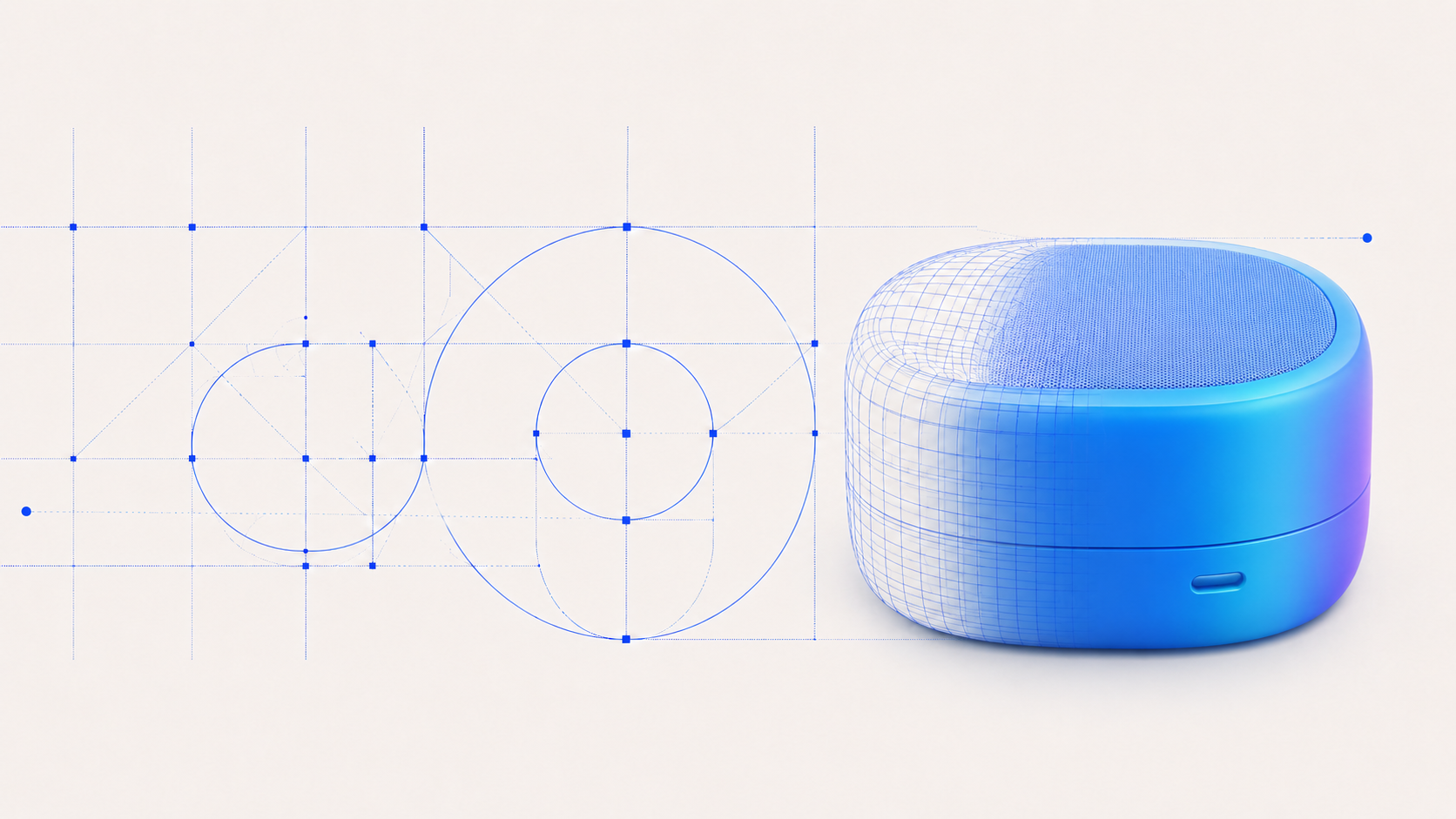
3D product animation builds a photoreal digital twin of your product, then animates it, lights it, and directs it like a film. It differs from standard 3D product visualization, which typically means a still render or an interactive spin; animation adds motion, pacing, and story. Both start from the same accurate 3D model, but animation is built for narrative, not just display.
The format you choose should match the job the video needs to do:
- 360 spin or turntable. Best for e-commerce and marketplace listings where shoppers expect to rotate the product themselves.
- Launch film. A cinematic 30 to 90 second piece built for a product reveal, homepage hero, or paid social campaign.
- Exploded view. Pulls a product apart layer by layer, ideal for engineering-heavy products or technical sales decks.
- Configurator. An interactive tool letting buyers swap colors, materials, or components in real time, common on automotive and furniture sites.
- Lifestyle animation. Places the product in a realistic environment to sell context and emotion rather than mechanics.
- Assembly or how-to. Walks through setup or use, often for support content or trade show kiosks.
Most studios deliver these as finished video cuts, looping web assets, or interactive embeds, depending on where the piece will live.
Why Choose 3D Over Photography or Live Action?
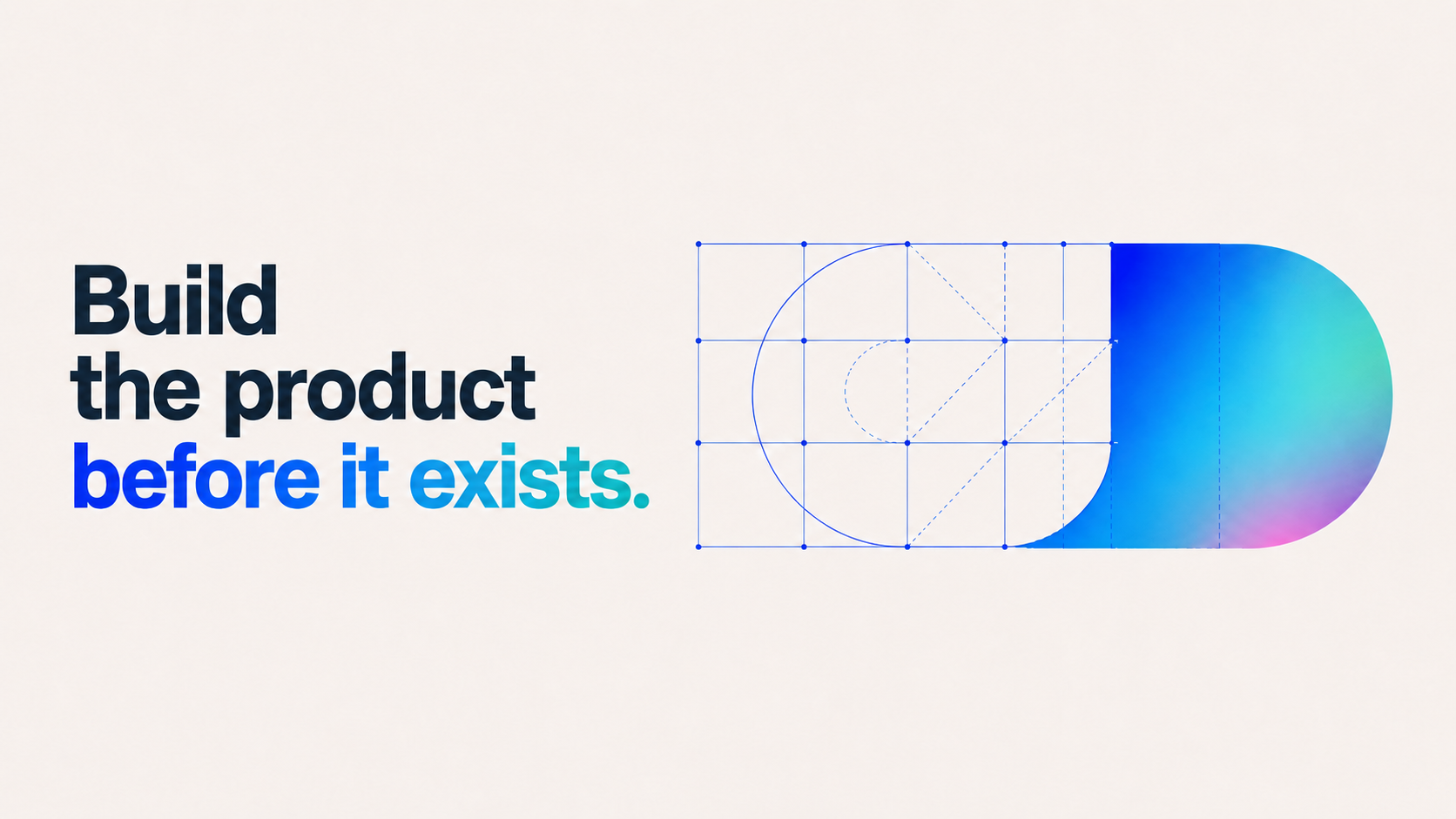
The biggest advantage is timing: you can produce a finished film before the first physical prototype exists, which matters enormously for hardware launches on tight deadlines.
A single 3D asset also scales cleanly across dozens of SKU variants, colors, or configurations without a new photo shoot for each one, and platforms built for scale can push per-asset costs well below repeated photography once you're producing more than a handful of variants.
- Build assets before a prototype exists, and update them as the design changes
- Produce color and configuration variants from one master file
- Keep lighting and quality consistent across every asset
- Reuse the same model for AR and interactive web experiences
Photography still wins for authenticity, food, apparel on real bodies, and anything where texture and human presence matter more than mechanical precision. If your product is simple, already photographed well, and doesn't need variants, 3D may be overkill.
Pro Tip: If you're unsure which route fits, run a quick triage: does the product need to be shown before it exists, in multiple configurations, or from angles a camera can't reach? Two "yes" answers usually mean 3D is the better investment.
How Much Does 3D Product Animation Cost, and How Long Does It Take?
A typical high-quality product film runs two to four weeks from concept to delivery, with short looping clips turning around in days once a model already exists. That timeline shifts heavily depending on how much modeling work is needed before animation can even start.
Pricing in this industry is usually quoted per finished second of final film, with modeling and rigging billed separately as a one-time cost you can reuse later. Rough shapes to plan around: entry-level loops and simple spins sit at the low end, standard launch films with custom lighting and sound design land in the middle, and premium cinematic pieces with complex environments or character animation sit at the top. Modeling cost depends entirely on product complexity and whether usable CAD already exists.
Expect these deliverables as standard:
- Master film in 4K, plus square and vertical crops for social
- Looping web asset for product pages
- Web-friendly interactive files (glTF or WebGL) if you need a configurator or AR view
- Source project files if your contract includes ownership
Statistic Callout: Short loops can be delivered in a matter of days once the underlying 3D model exists, but building that model from scratch is almost always the longest step in the schedule.
What Should You Prepare Before Requesting Quotes?
The single biggest lever you control is the quality of your CAD file, because accurate modeling data is the foundation every visualization and animation workflow builds on. Hand a studio clean CAD and skip weeks of reverse-engineering work.
- Send native CAD if you have it. STEP or SolidWorks files are ideal; OBJ or FBX work if that's all you have.
- Attach material references. Swatches, finish photos, or spec sheets prevent guesswork on how surfaces should look under light.
- Write a one-paragraph brief. State the objective, the primary shot or moment that must land, the channels it will run on, and any "must prove" feature.
- Include one reference film. A short clip showing the pace and tone you want communicates more than three pages of adjectives.
Good CAD gets reused across every future asset, including AR views and configurators, which means the investment pays for itself well beyond the first video.
Pro Tip: Providing usable CAD early is consistently the single highest-leverage thing you can do to cut both cost and timeline, more than any brief or reference material.
How Do You Choose the Right 3D Animation Studio?
Craft quality separates studios more than price does. Watch for motion that has believable weight, slight overshoot on stops, and camera moves that follow real physical limits. Constant-speed object slides and impossible camera paths are the fastest tell that you're looking at a weaker studio, regardless of how polished the lighting looks.
Evaluate every shortlisted vendor against the same criteria:
- Portfolio relevance to your product category, not just general animation polish
- Demonstrated CAD-to-pipeline capability, not just stock 3D models
- Clear delivery formats, including web-ready and AR-compatible exports
- A defined revision policy stated before you sign
- Explicit ownership and licensing terms for the final files
On your first call, ask these questions directly:
- Can you work from our native CAD, or will you need to rebuild the model?
- When do we see a storyboard or animatic, and how many revision rounds are included at that stage?
- How many total revision rounds are included in the finished-film phase?
- Who owns the final files and the underlying 3D model after delivery?
- What formats do you deliver, and do they include web-ready or AR-compatible exports?
Red flags include vague pricing with no per-second logic, no animatic step before rendering, and reluctance to specify who owns the model afterward. A studio that skips the animatic stage is either overconfident or planning to lock pacing decisions late, which almost always leads to expensive changes.
When comparing 3D animation studios, evaluate each potential partner using the same four criteria:
Portfolio relevance
Look for work within your product category, not just general animation quality.
CAD capabilities
Confirm the studio can work with your native CAD format before it develops the estimate.
Revision process
Get the number of included revision rounds in writing for both the animatic and final animation stages.
Ownership terms
Confirm who will own the underlying 3D model, source files, and finished assets before signing.
What Does Strong Delivery Look Like in Practice?
Spin Creative has partnered with organizations including Microsoft, Skillsoft, Amazon, Auth0, and Yext to turn complex products into stories that hold up in a boardroom and a social feed alike. That kind of work follows a disciplined sequence, not a rushed one.
- Brief and objective locked before any modeling begins
- Storyboard, then animatic, for pacing and camera approval
- Look development and frame approval before full render
- Final render, followed by channel-specific variant delivery
Motion that "feels right" comes from weight, slight overshoot, and camera moves that respect real physical limits. That discipline is what separates a film that looks expensive from one that merely costs a lot.
Collaboration works best when you send a reference film up front, assign one approver to avoid conflicting feedback, and plan your repurposing (social crops, web loops, sales decks) before the final render locks.

Where Has 3D Product Animation Actually Paid Off?
The clearest ROI cases share a pattern: a product that was hard, expensive, or impossible to photograph well got a 3D treatment instead, and the resulting asset got reused far beyond its original purpose. A single master file built for a product launch film commonly becomes the source for a web loop, a set of social crops, and an AR viewer, without a single reshoot. That reuse is where the real savings show up, because the modeling cost gets amortized across every channel that touches the asset rather than paid once and discarded.
Industrial and technical products see some of the strongest returns, because an exploded view or an assembly walkthrough replaces something photography genuinely cannot do: showing internal mechanisms in a way that builds buyer confidence before a sales call even happens. Consumer electronics and furniture brands often lean on configurators for a different kind of payoff, letting a shopper see their exact color and material combination before buying, which tends to reduce the guesswork that leads to returns.
The pattern that shows up across strong case studies isn't a flashy hero shot. It's a brand that treated its 3D asset as infrastructure rather than a one-time video, briefing the studio with reuse in mind from the first conversation. Teams that ask for web-ready exports and AR compatibility up front get more mileage out of the same production budget than teams that only ask for a finished film and figure out repurposing later.
Who Owns the Rights to a 3D Product Animation?
Ownership and usage rights deserve a direct conversation before you sign anything, not an assumption based on how the invoice reads. Most agency agreements fall into one of two structures: full ownership transfer, where you receive the final files and the underlying 3D model outright, or a license grant, where the studio retains the model and grants you rights to use the finished film across specified channels.
The distinction matters most when you plan to reuse the asset. If you only license the finished film, you may not have the right to pull the model into a future configurator, a different marketing campaign, or an AR experience without a new agreement. If you own the underlying model, that reuse is yours to plan without going back to negotiate.
Get explicit on three points before work begins: who holds the source files and 3D model after final delivery, whether your usage rights are exclusive or the studio can reuse elements of the work for other clients, and whether stock elements (textures, environments, background music) inside the final piece carry their own separate licensing terms you need to track. That third point catches teams off guard more often than the other two, because a studio might own the animation but be using a licensed texture library or music track that carries its own renewal terms.
Put the agreement in writing before the first storyboard, not after final delivery. Verbal assumptions about ownership are the single most common source of friction between marketing teams and animation vendors once a project wraps.
What Happens After Delivery? Support and Revisions Explained
A finished film is rarely the true end of the relationship, and the studios worth hiring build that expectation into the contract, not into an awkward email after the fact. Ask about two separate revision windows: one before the final render locks (adjustments to pacing, camera, or lighting based on the animatic) and one after delivery, for smaller fixes like a logo update, a color correction, or a re-export in a new aspect ratio.
Post-delivery support terms vary widely between studios. Some include a fixed number of minor revision rounds within 30 days of delivery at no extra cost, then bill hourly after that window closes. Others treat every post-delivery change as a new project scope, which can turn a simple crop request into an unexpected invoice. Get this in writing before signing, not after you need a fix.
Format flexibility is worth confirming too. A studio that delivers only a single master file leaves you exposed if your media plan shifts six months later and you suddenly need a 15-second cutdown or a square crop for a platform that didn't exist in your original brief. Studios with disciplined asset management can usually pull new cuts and formats from the master project file long after delivery, often for a smaller fee than a full re-edit.
Ask directly: what's included in the 30 days after delivery, what counts as a "new project" versus a "minor fix," and how long will the source files stay archived and accessible. That last question matters more than most buyers realize, since a studio that discards project files after a year can turn a simple format request two years later into a costly rebuild.
What the Hiring Data Actually Tells Marketing Teams
The conventional advice on this topic treats price per second as the main variable worth negotiating. That's backward. The single biggest cost driver in almost every project is how much of the model already exists in usable form before the studio starts, which means the negotiation that actually saves money happens before you request a single quote, not during it.
Most buying guides also overweight portfolio polish and underweight process discipline. A reel full of beautiful renders tells you a studio can light a scene. It tells you nothing about whether they'll lock your pacing decisions at the animatic stage or six weeks in, after the render is already underway and every change costs triple. Ask about the animatic step before you ask about price. Studios that skip it, or treat it as optional, are the ones most likely to blow your timeline.
If there's one thing worth doing differently, it's this: treat your CAD file and your reference video as the brief, not as attachments to the brief. A studio that receives clean CAD and one honest reference clip can quote you accurately in a day. A studio working from a written paragraph and a few photos is guessing, and that guess shows up later as scope creep.
How Spin Creative Can Turn Your Brief Into a Finished Film
Spin Creative works as an extension of enterprise marketing and product teams, bringing senior creative direction from the first brief through final delivery, without the layers a large agency network usually adds. Our work spans brand strategy, motion graphics, corporate video production, and product marketing content for organizations including Microsoft, Skillsoft, Amazon, and Yext, which means we're used to translating technical product complexity into a story a buyer or executive actually connects with. Our video production capabilities cover everything from concept through finished, channel-ready assets.
To get a fast, accurate estimate, send three things: your one-line objective for the film, your CAD files or best available product photos, and one reference video that shows the tone you're after. We'll come back with a storyboard direction and a realistic quote before any rendering starts, so you know exactly what you're approving and when.
Reach out through Spin Creative's consultation page to start that conversation, and you'll hear back with next steps and a scoped timeline based on what you send.
Sources
- What is 3D product visualization : 3D Product Visualization Definition | Unity
- 3D Product Animation Services: Films From Your CAD | UFO3D
- 3D Product Visualization Platform | Modelry
- 3D Product Animation Software | 3D Animation Product View | London Dynamics
About Spin Creative
Spin Creative is an independent creative agency helping ambitious brands turn complex products and business ideas into clear, compelling visual stories. Our tight senior team connects strategy, creative development, 3D animation, design, motion, and video from brief through final delivery, without layers of handoffs.