
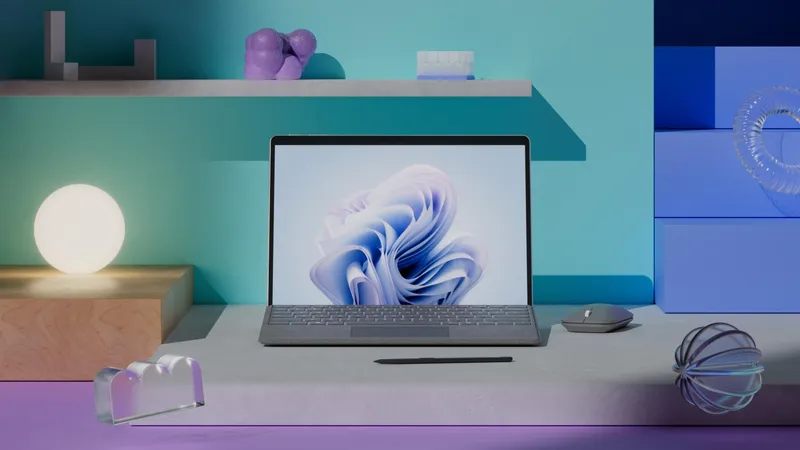
For Microsoft Viva and Copilot, we set out to make a suite of workplace tools feel like a connected experience. The film used a fully animated 3D world to express what the technology could make possible, rather than leading with a sequence of interface screens.
That approach needed more than striking imagery. Each environment required a role in the story, and the transitions needed to carry the viewer through it. Strategy, storyboards, pre-visualization and sound helped the film hold together.
Build worlds around an idea
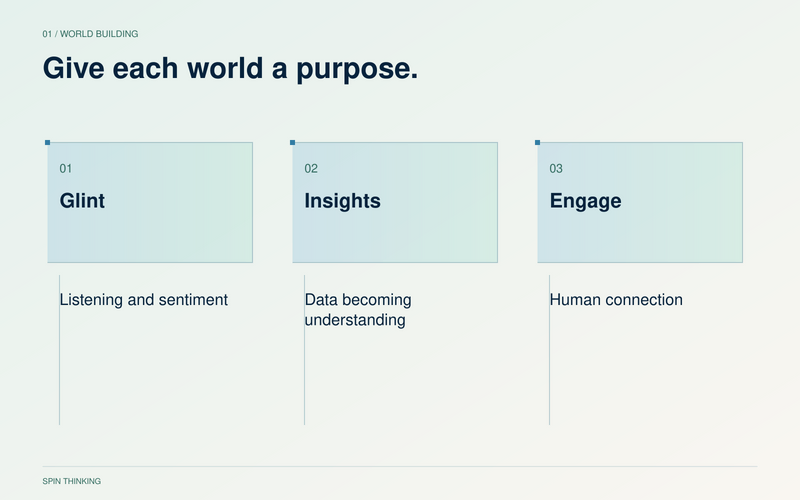
We developed environments around the character of the Viva applications and the human activities they support: listening, learning, connecting and acting. The aim was to make an abstract product suite feel tangible without turning the film into a technical tutorial.
Glint took a soft, sound-reactive direction to express employee sentiment. Insights used organic growth to suggest data becoming understanding. Engage had a warm, tactile character connected to communication. These were creative interpretations for the film, not literal representations of software behavior.
Storyboard the complete journey
Storyboards let us discuss the narrative sequence, visual relationships and pacing before committing to finished animation. They gave the client and production team a shared view of what each scene needed to communicate.
A beautiful frame can still be part of an unclear story. Reviewing the sequence helps reveal a missing transition, an idea introduced too late or several scenes doing the same job. Those are easier decisions to address while the work remains flexible.
Use pre-visualization to test movement
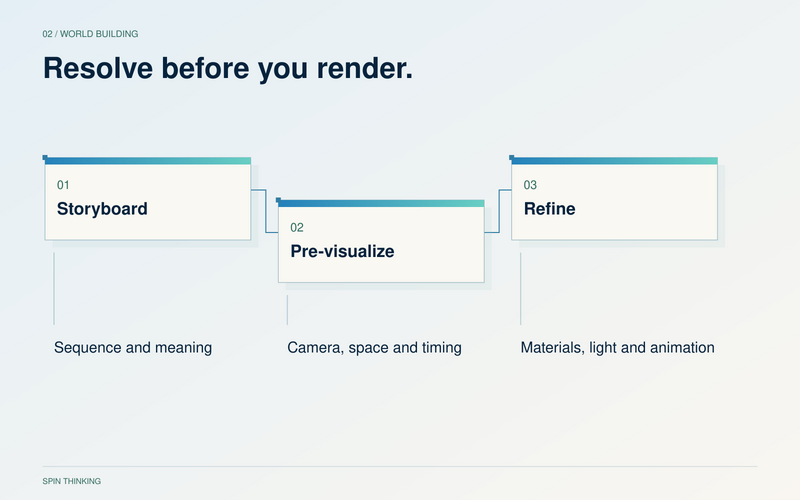
We then built a low-fidelity 3D version of the film. This pre-visualization stage allowed camera movement, transitions, timing and spatial relationships to be tested together.
The purpose was to resolve how the film moved before investing in refined materials, lighting and rendering. A simplified world can expose a confusing camera move that a polished still might disguise. Approval at this stage establishes a clearer foundation for detailed animation.
Let sound carry part of the narrative
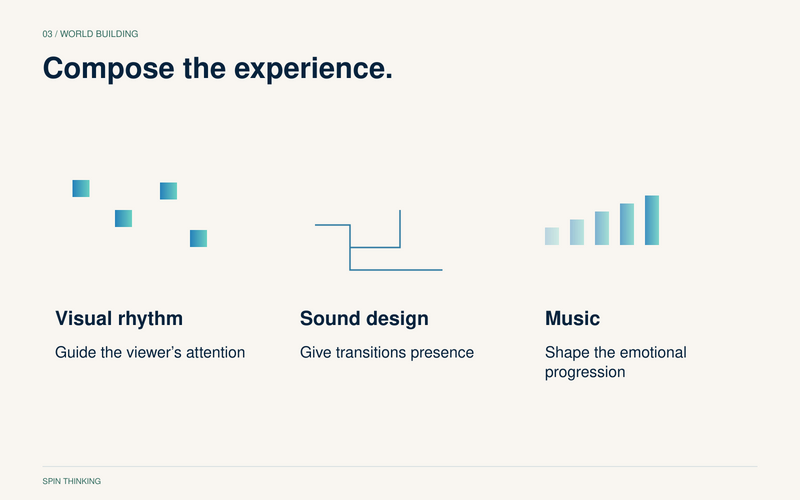
The film was created without voiceover. A custom score and sound design supported its emotional progression and the movement between environments. Visuals and sound needed to work as a composed sequence, rather than as separate layers assembled at the end.
Without narration, hierarchy becomes especially important. The team must decide where attention goes, which moment needs to breathe and how the next scene follows from the last. Typography and visual relationships have to carry their share of the explanation.
Choose this approach for the right viewing moment
A cinematic product film can introduce a new possibility at a keynote, event or other high-attention moment. It is one part of a wider communication system. Someone evaluating specific workflows may still need a demonstration, documentation or a conversation.
That distinction helps enterprise teams brief the work. Decide whether the immediate job is to create interest, explain a process or support a purchase decision. Then choose the detail, format and distribution around that job.
Watch the Microsoft AI in Viva 3D Sizzle. Explore the relationship between products in our platform narrative guide, or compare creative approaches in explainer video styles.
What is the difference between a storyboard and pre-visualization?
A storyboard establishes the sequence through planned frames. Pre-visualization tests that sequence through time and space, including camera movement and transitions. Each helps resolve a different kind of uncertainty.
When should a team choose a 3D brand film?
Consider it when a dimensional world or visual metaphor can make the idea more tangible, and the scope supports the required development. The technique should earn its place through the story, not simply through its production value.